Side project · browser extension
Workspace, a new tab I built for myself.
Most of my working day is in the browser, and opening another web app just to check my sites and tasks never stuck. So the new tab does it now.
Download Workspace v1.0.0 (.zip)
132 KB · Chrome, Brave, other Chromium browsers · free
What it does
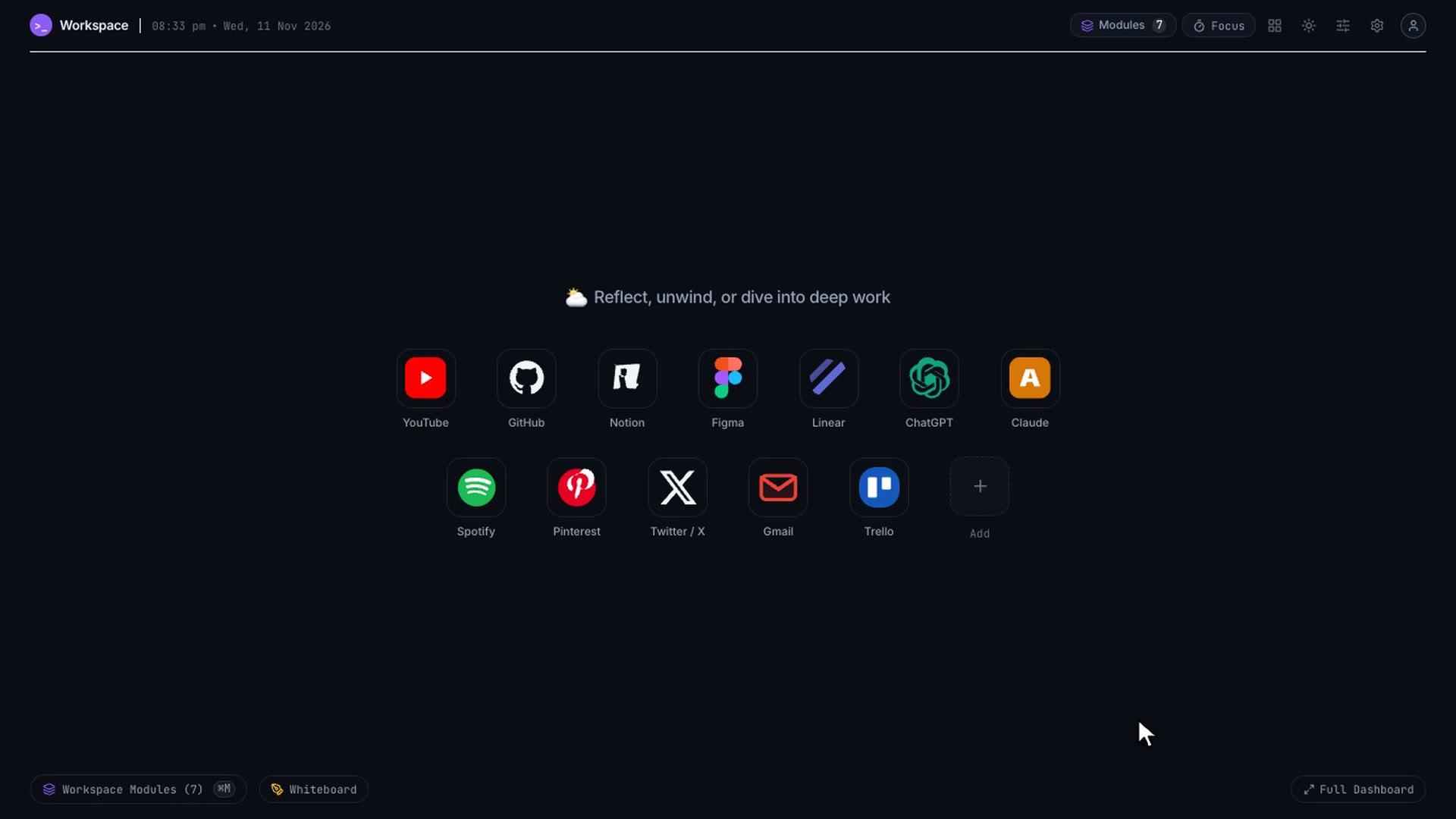
- Pinned sites
- The sites you open every day, one click away on every new tab.
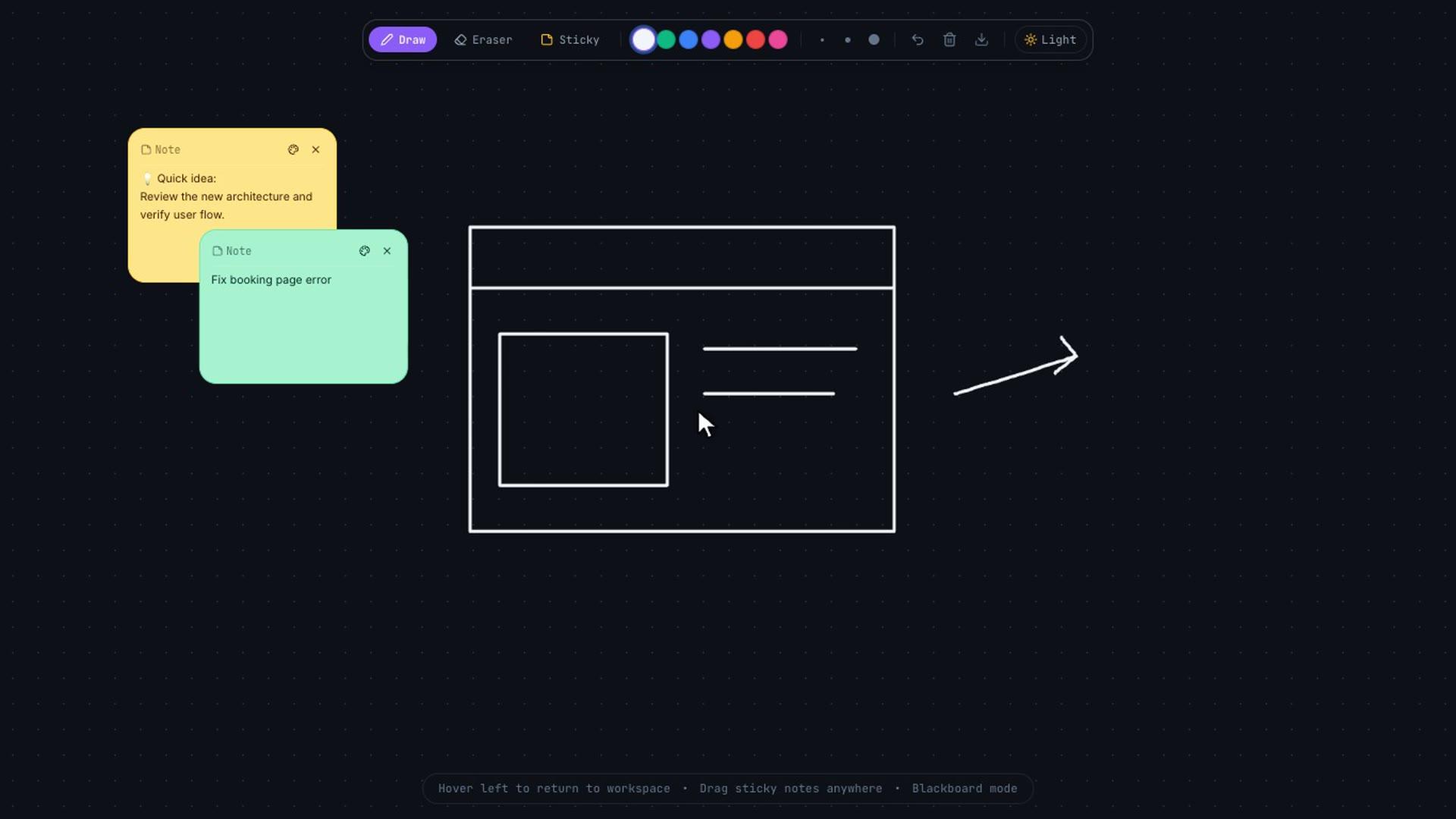
- Whiteboard
- Move to the right edge and the whiteboard slides in: draw, sketch, add sticky notes, export PNG.
- Modules
- Tasks, quick notes and a project tracker in one drawer (⌘M).
- Focus
- A Pomodoro timer that takes over the screen and keeps only the task you picked.
- ⌘K search
- Search sites, tasks, notes and bookmarks from one box.
- Full dashboard
- All modules on one grid when you want everything at once.
- Themes
- Dark, dim and light, accent colours and background patterns.
Install in 1 minute
- Download the zip and unzip it. You get a folder called workspace-extension.
- Open chrome://extensions (Brave: brave://extensions).
- Turn on Developer mode, top right.
- Click Load unpacked and pick the workspace-extension folder.
- Open a new tab. If Brave asks whether to keep the new tab page, choose Keep changes.
It is not on the Chrome Web Store, so it installs as an unpacked extension. Chrome may show a developer-mode notice at startup; that is normal for unpacked extensions.
Your data
The only permission it asks for is storage. Your pins, tasks, notes and whiteboard are saved in your own browser, nothing goes to my server. Site icons load from Google's favicon service. The weather, the Hacker News feed and the GitHub module call their public APIs only when you use them.